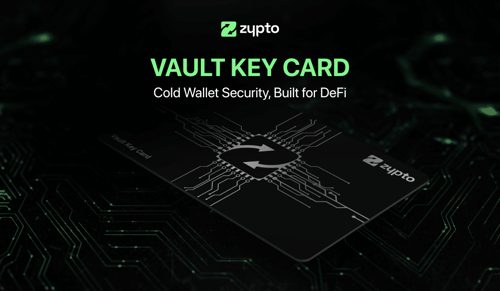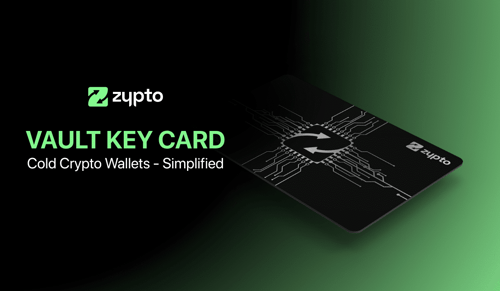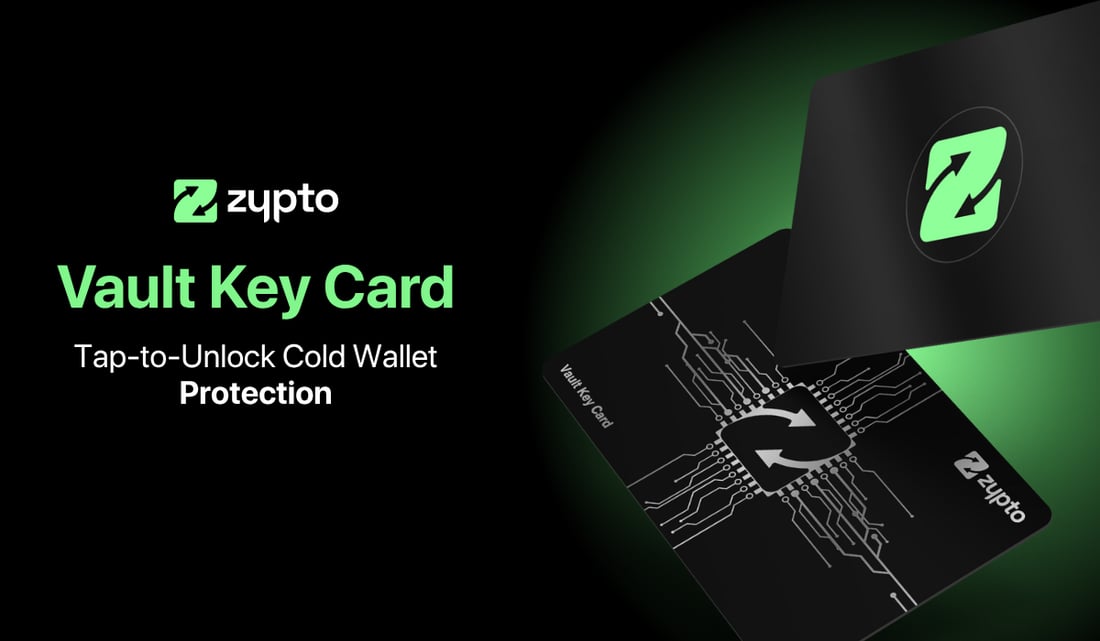
The Vault Key Card is a physical security card that adds cold storage protection to wallets inside Zypto App.
It works by separating interaction from authorization. Users continue to manage assets, review transactions, and interact with blockchains inside Zypto App as normal. When the Vault Key Card is attached to a wallet, sensitive actions such as transfers and swaps require deliberate physical card presence before they can be approved.
This allows cold storage protection to function as a security layer rather than a usage mode.
How the Vault Key Card Protects Wallets
When a Vault Key Card is linked to a wallet, transaction approval is no longer handled entirely within software.
Transactions are reviewed directly inside Zypto App. Before a transfer or swap is finalized, the user is prompted to tap their physical Vault Key Card on their device’s NFC reader. Without that physical interaction, approval cannot occur.
The Vault Key Card uses a split key authorization model, meaning transaction approval requires both the Zypto App environment and the physical card. The full signing authority is never available to software alone.
This keeps authorization offline and physically gated, while allowing the wallet itself to remain fully usable inside the app.
Attaching the Vault Key Card to Wallets
The Vault Key Card can be attached to up to three wallets inside Zypto App.
From the app’s home screen, users select the Vault Key Card and choose to attach a new wallet. A list of existing wallets is displayed, and the selected wallet is linked by tapping the physical card. A confirmation screen confirms that the wallet is now protected.
Each attached wallet appears in a clear list, making it easy to see which wallets are currently protected by the card.
Detaching and Reattaching Wallets
Wallets can be detached from the Vault Key Card when the original card is physically present.
From the Vault Key Card screen, users select an attached wallet and choose to unlink it. A card tap confirms the action. Once unlinked, the wallet returns to app only signing.
The Vault Key Card cannot be removed or bypassed without the physical card. This ensures that cold authorization protection cannot be detached by software access alone.
If a card is lost, the wallet must be removed and reimported using its seed phrase before operating without card based authorization.
Using Zypto App With or Without the Vault Key Card
Zypto App functions independently of the Vault Key Card.
When a wallet is attached, transaction approval requires physical card presence. When a wallet is not attached, transactions can be signed directly within the app.
This makes the Vault Key Card an optional security layer rather than a mandatory requirement. Users choose when and where to apply cold storage protection based on their needs.
Setup and Everyday Use
Setting up the Vault Key Card takes around 30 seconds and is completed once.
Users select the Vault Key Card from the Zypto App home screen, follow the prompt to hold the card to their device, and choose which wallets to protect. There are no complex steps, configuration screens, or technical requirements.
Once set up, the card integrates quietly into everyday use. The app remains the interaction layer. The card becomes the approval layer.
A Cold Storage Model Designed for Real Use
The Vault Key Card is designed for every Zypto App user who wants stronger protection for their crypto, regardless of balance size, activity level, or experience.
It protects authorization without restricting access, allowing cold storage principles to align with how crypto is actually used today: through mobile apps, across multiple blockchains, and alongside real world activity.
Rather than forcing users into a separate device workflow, the Vault Key Card brings physical security into the same environment where crypto is already managed.
Explore the Vault Key Card in Practice
→ What Is the Vault Key Card?
→ How the Vault Key Card Works With Zypto App
→ What the Vault Key Card Protects (and What It Doesn’t)
→ What Happens If You Lose the Vault Key Card?
→ Do You Need the Vault Key Card for Every Transaction?
→ When to Use the Vault Key Card vs App-Only Signing
→ Who Is the Vault Key Card For?
→ Vault Key Card vs Device-Based Hardware Wallets (When VKC Makes More Sense)
→ Is the Vault Key Card Worth Using If You’re New to Crypto?
FAQs
What is the Vault Key Card?
The Vault Key Card is a physical security card that adds cold storage protection to wallets inside Zypto App by requiring physical card presence to approve sensitive actions.
Does the Vault Key Card store crypto or funds?
No. Crypto assets remain on the blockchain. The Vault Key Card controls transaction approval, not asset storage.
How does the Vault Key Card protect my wallet?
When attached to a wallet, transactions must be approved by tapping the physical card. This keeps authorization offline and prevents approval from software alone.
Do I need the Vault Key Card to use Zypto App?
No. Zypto App works fully without the Vault Key Card. The card is an optional security layer that users can attach to selected wallets when they want cold storage protection.
How many wallets can I protect with one Vault Key Card?
A single Vault Key Card can be attached to and protect up to three wallets inside Zypto App.
Can I remove the Vault Key Card from a wallet later?
Yes. A wallet can be detached from the Vault Key Card when the physical card is present and confirmed with a card tap. If the card is unavailable, the wallet must be restored using its seed phrase before operating without card-based authorization.