Bitcoin is still the backbone of crypto. Whether you’re holding BTC as a long-term store of value or looking to actually use it in your everyday life, you need a Bitcoin wallet that gives you full control.
Zypto App is designed for real-world Bitcoin use. You can store BTC, spend it, swap it across chains, and protect it with optional cold wallet security. Setting up a Bitcoin wallet only takes a few minutes. Once your wallet is live, your BTC is ready for action.
Here is how to get started.
How to Set Up a BTC / Bitcoin Wallet in Zypto App
Getting started with a Bitcoin wallet in Zypto App takes just a few minutes. Follow these steps:
- Download Zypto App
Download the app from the App Store or Google Play. It’s free and supports 25+ languages. - Create or import your wallet
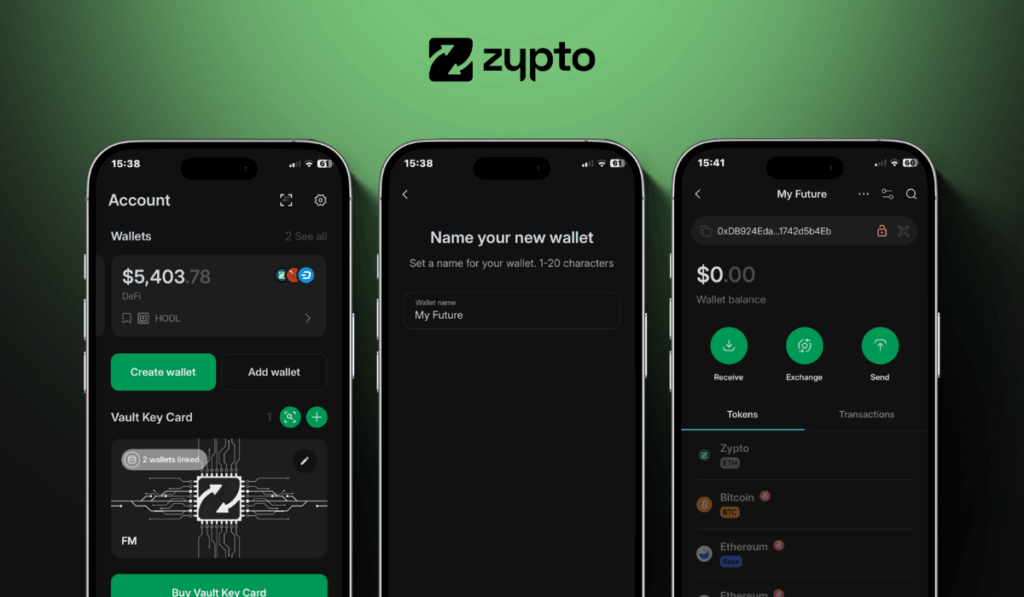
Open Zypto App and choose to create a new wallet, or import an existing one using a recovery / seed phrase. - Secure your wallet
Write down your recovery phrase and keep it offline. Set up your app PIN and activate optional biometric login for added protection. Remember that Zypto is non-custodial, so only you ever control your keys. - Generate your Bitcoin address
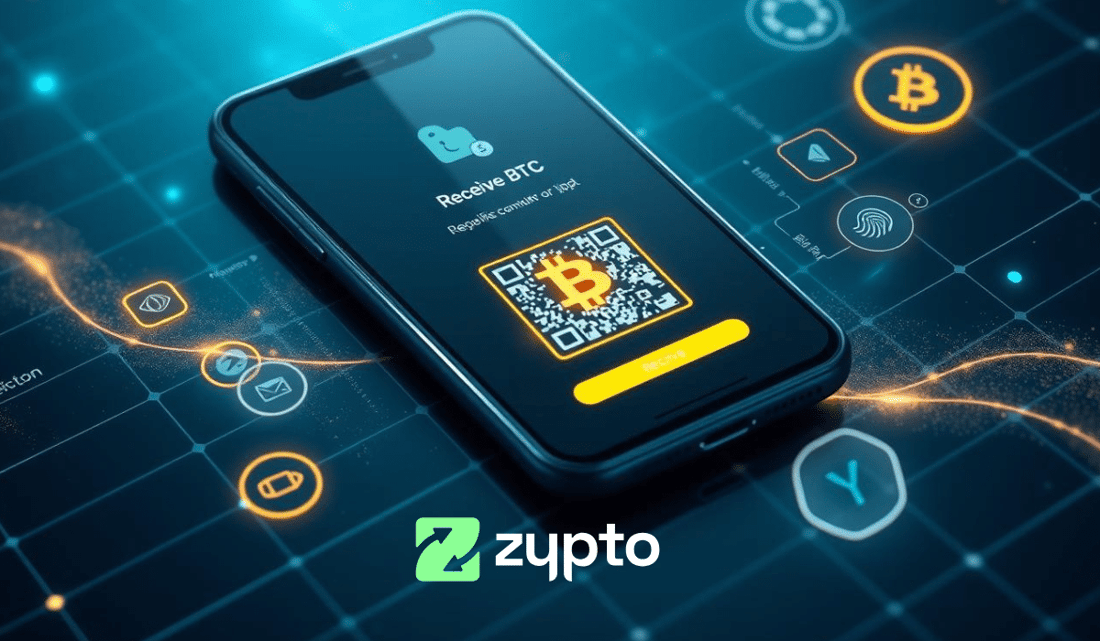
Select ‘Receive’ from the menu and search for BTC. Select it to generate a unique wallet address for sending and receiving BTC and BTC-based tokens. - Add funds or connect onramps
Transfer BTC or BTC-based tokens from another wallet, use Zypto’s 130+ fiat onramps, or swap into BTC directly in the app. - Start using Bitcoin
Manage tokens, connect to dApps, swap across multi chains, and use Bitcoin for real-world utility with Zypto crypto cards, crypto bill pay, mobile top-ups, and USDC cash-in and cash-out at participating MoneyGram locations worldwide.
Your Bitcoin Wallet, Upgraded
Zypto gives you more than just a place to store BTC. You can protect your Bitcoin with cold wallet security using the Vault Key Card, load and use it with a full range of crypto cards, or use it for bill payments and mobile top-ups across the world.
Experience a True Multi-Chain Wallet App
Zypto App is also a true multi-chain wallet app, so you can swap crosschain to over 24,000 other crypto assets in an instant, in just 3 taps, all without leaving your sleek wallet interface.
Download Zypto App and take full control of your Bitcoin today.
Discover more:
FAQs
What is the best wallet for Bitcoin?
The best wallet for Bitcoin is one that gives you full control over your keys, supports BTC on its native chain, and offers real-world utility. Zypto App lets you store, send, receive, swap and spend Bitcoin while keeping full self-custody.
Does Zypto App support cold wallets for BTC?
Yes. You can activate cold wallet protection for your BTC by linking a Vault Key Card to your Zypto App wallet. This adds physical 3-factor authentication and tap-to-sign approval.
How do I receive BTC into my wallet?
Inside Zypto App, tap ‘Receive,’ search for BTC, and generate your unique Bitcoin address. You can use it to receive funds from another wallet or an exchange.
Can I buy Bitcoin in Zypto App?
Yes. Zypto supports over 130 fiat onramps. You can buy BTC directly in the app using your preferred payment method or swap from another crypto.
What can I do with Bitcoin in Zypto App?
You can manage, store, and protect your BTC, use it for spending via crypto cards, pay bills, top up mobile phones, and access global offramps with USDC-to-cash conversion at participating MoneyGram locations.