How to pair your Vault Key Card
Pairing takes under a minute. Tap the card to your phone over NFC and confirm in the Zypto App - your keys stay on the card.


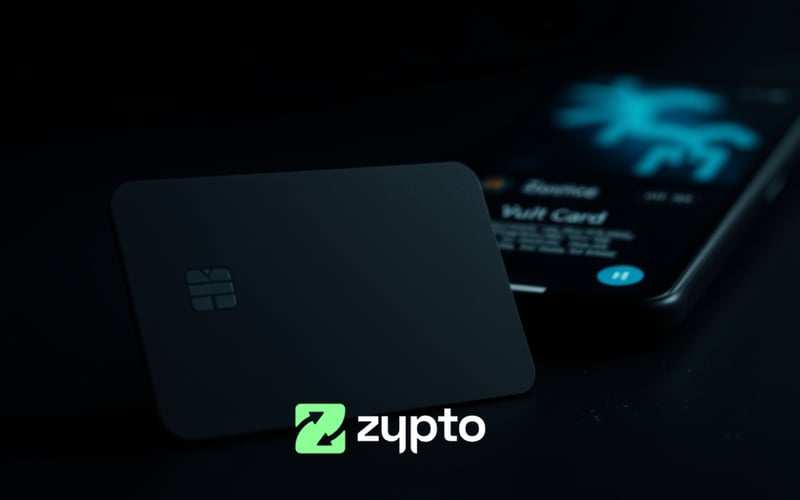
Step by step
Pair in four steps
1
Open Zypto App
Go to Security and choose Add Vault Key Card.
2
Tap to pair
Hold the card to the back of your phone so NFC can read it.
3
Confirm
Approve the pairing prompt in the app.
4
Done
Your card is now paired and ready to sign transactions.
Pairing FAQs
Do I need anything besides my phone?
Just the Vault Key Card and an NFC-capable phone with the Zypto App.
Are my keys ever exposed?
No. Keys are generated and held on the card; pairing never transmits them.
Can I pair more than one device?
Yes - pair the card with the devices you use, each over NFC.